
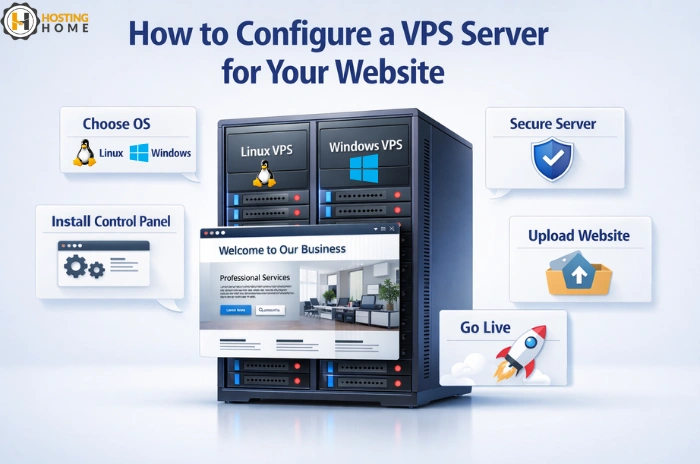
How to Configure a VPS Server for Your Website?
A VPS will provide your website with more power, better speed, and stronger security than shared hosting. The problem is that after buying a VPS, many new users do not know what to do afterward. Setting up your server correctly means your site will run smoothly, load fast, and be secure.
In this blog, you will learn how to set up VPS server for your website without using complicated steps. Be it Linux or Windows; these basic steps will help you get started with confident.
Choosing a Right Operating System
First of all, you have to decide you need Linux VPS hosting or Windows VPS hosting.
Each OS works differently:
- Linux is best for PHP, WordPress, and open-source applications.
- Windows is best for ASP.NET, MSSQL, and .NET based tools.
Choosing the right OS will make sure compatibility and smooth performance.
Secure Your VPS Immediately After Setup
Security is the first task you should handle.
It is always good to add extra layers of protection, even if you choose for a fully managed VPS server.
Important steps include:
- Change the default SSH or RDP port
- Creating strong passwords
- Updating the OS
- Installation of firewalls
- Set automatic updates
Setting up security early avoids unauthorized access and protects your server.
Installing a Control Panel for Easy Management
Install a control panel if you do not want to use complicated commands.
Most website owners choose for either cPanel, Plesk, or DirectAdmin.
A control panel makes tasks easier, such as:
- Creating Domains
- Managing Files
- Setting up e-mail
- Installation of CMS platforms
This is especially helpful if you are trying VPS for the first time and used a vps server trial before purchasing.
Setup Your Web Server Software
Based on your OS you will need different tools:
- Apache or Nginx (Linux)
- IIS (Windows)
Your web server handles how your website loads.
Optimizing it make sure fast speed and high uptime -one of the reasons businesses choose best vps hosting instead of shared plans.
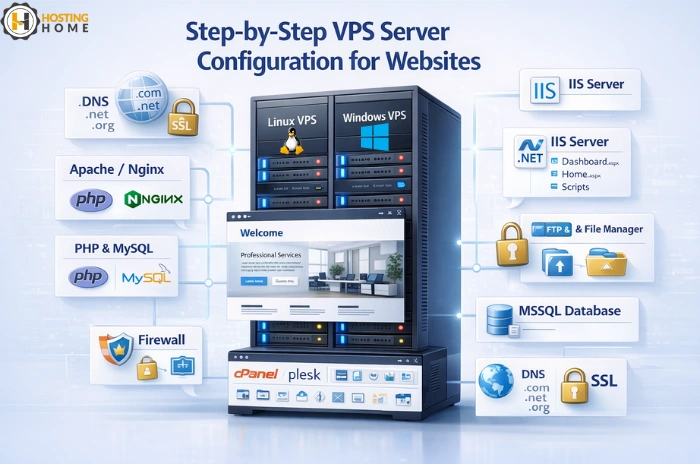
PHP, MySQL, or Other Required Software
Your website needs a proper software stack.
For example:
- WordPress needs PHP and MySQL.
- Node.js applications need Node installed
- ASP.NET runs on IIS
A good VPS server provider make sure that all essential tools run smoothly on your VPS.
Upload Your Website Files
Once you have set up your vps server, upload your files using:
- FTP
- SFTP
- File Manager
Then setup your database, import your data, and connect it with your application.
This step will be fast and without errors if you have purchased vps server hosting from a trusted provider.
Point Your Domain to the VPS
To get your site live, update your DNS settings:
- Add A-records with your VPS IP
- Setup Nameserver
- Setup SSL Certificates
This step will help search engines and users reach your website hosted on a VPS server India or any other region you chose.
Upgrading Performance for Speed
A high-quality VPS already performs well, but optimization really takes it to a new level.
You can improve speed by:
- Enabling caching
- Using a CDN
- Compressing images
- RAM or CPU Upgrade
- Choosing SSD storage
This is why many users choose the best VPS hosting India for faster loading and smooth performance.
Regular Monitoring of Server Usage
Keep track of
- CPU usage
- Disk space
- Memory
- Network activity
Monitoring helps avoid downtimes and makes sure your hosting plan actually fits your needs.
When your site grows, upgrade easily from your hosting provider.
You can buy VPS Server India with scalable plans and upgrade any plan without any migration issues.
Understand Pricing and Future needs
Different providers provide different pricing models.
Compare the VPS hosting price or VPS server price in India with the features offered, always.
Even if you are attracted to cheap vps hosting india or cheap vps server, make sure they provide High uptime and support.
A Trusted company providing the best vps server will give clear pricing and reliable support.
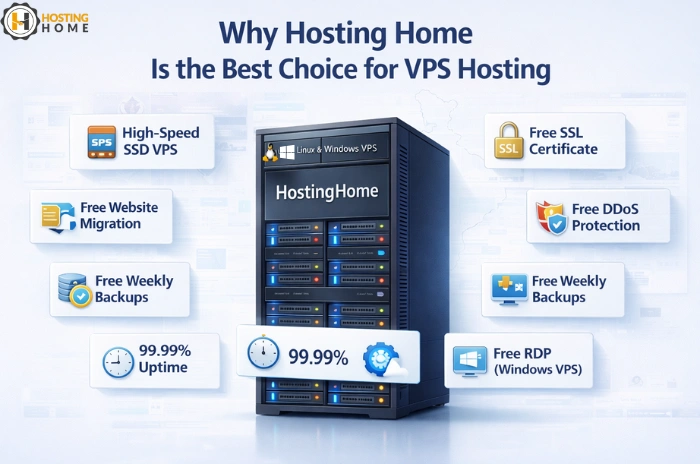
Why Hosting Home is the Best Choice for VPS Hosting
Hosting Home provides high speed VPS servers to host websites, applications, and business platforms of any size.
Starting from budget plans to advanced cloud infrastructure, Hosting Home provides powerful setup at affordable prices.
Hosting Home Advantages:
- High-speed SSD VPS
- Free SSL certificate
- Free DDoS protection
- Free weekly backups
- Free website migration
- Quick setup
- 24/7Dedicated WhatsApp support.
- Clear vps server price
- Options for Linux & Windows VPS
- Free RDP included with Windows VPS
- 99.99% uptime guarantee
- Easy upgrade options
- Plans suitable for cheap VPS server hosting needs
- Trusted by customers as the best VPS server provider.
If you are ready to buy vps hosting India or want to buy VPS Server for scaling your business, Hosting Home gives you speed, security, and complete control.